Introduction
AI agent integration enables businesses to connect AI agents with the information and tools that employees already rely on. That may mean retrieving an account record from a CRM, checking an order status in an ERP, preparing a support response or creating a draft task for an employee to review. The challenge is not simply connecting a language model to an API. The integration must respect business permissions, handle unreliable systems, protect data and make it clear when a person needs to approve an action.
1. Start with a specific business workflow, not a generic AI brief
Choose one workflow where employees spend time searching, summarising, classifying or moving information between systems. Describe the current steps, systems, users, exceptions and expected result. A narrow, measurable workflow is easier to test than a broad request to ‘automate operations with AI’.
Document the baseline: how often the task occurs, how long it takes, what errors happen and which steps require judgement. Define what success means, such as shorter handling time, fewer manual transfers or improved response consistency. Do not use a metric unless the organisation can measure it.
- Who initiates the task and who owns the outcome?
- Which systems and records are involved?
- What information is required to make a decision?
- What actions may the agent take, and which require approval?
- What happens when information is missing or systems are unavailable?
2. Decide whether the workflow needs an agent, automation or both
Not every process needs an autonomous agent. A deterministic workflow may be better served by ordinary application logic, rules or an integration platform. An AI model may add value where the task involves interpreting natural language, classifying unstructured content, retrieving relevant information or preparing a recommendation.
Through custom AI agent development, businesses can combine conventional automation with AI capabilities while maintaining control over permissions, validation and business rules.
A practical design can combine both: conventional code controls permissions, validation and business rules, while the model handles a bounded language task. The agent should not be given broad authority simply because the technology allows it.
3. Map the CRM, ERP and other systems involved
Create an integration inventory before selecting tools. Identify the system of record for each data item, the APIs or connectors available, the authentication method, the owner of each system and any licensing or rate limits. Confirm whether a development or sandbox environment is available.
Common integration targets include CRM contacts and opportunities, ERP orders and inventory, ticketing systems, document repositories, email, calendars and internal knowledge platforms. The actual integration scope depends on the organisation’s products and permissions.
4. Define data access and permissions
An agent should only retrieve information the requesting user is allowed to access. Permissions must be enforced by the connected application or a trusted integration layer, not merely described in a prompt. If a user cannot access a record in the CRM, the agent should not be able to retrieve it on that user’s behalf.
Decide whether the agent acts using the user’s delegated identity, a restricted service account or another approved access model. Use least privilege, separate read and write permissions, protect credentials and log access to sensitive records.
5. Design the tool and API layer
Expose only the actions the agent needs. Each tool should have a clear name, purpose, input schema, permission boundary, validation rule and error response. For example, a CRM lookup tool should accept defined search fields and return only approved record data; a record-update tool should validate the requested change and enforce the user’s authority.
Do not let the model construct unrestricted database queries or call arbitrary endpoints. Validate every input server-side, constrain the data returned and treat external content as untrusted. Use allow-listed operations and separate read operations from write operations.
6. Decide which actions are read-only, draft or write-enabled
Classify each proposed agent action by impact. Searching a knowledge base is different from changing a customer record, issuing a refund or creating a purchase order. Start with read-only retrieval or draft preparation wherever possible, then add write actions after testing and approval controls are in place.
- Read-only: retrieve approved records, documents or status information.
- Draft: prepare an email, CRM note, case summary or proposed update for review.
- Low-impact write: update a field or create a task within a defined scope, with logging.
- High-impact action: payments, financial commitments, account changes or external communications that should require explicit human approval.
7. Build human approval and escalation into the workflow
Human oversight should be part of the process design. Decide which actions need approval, what information the reviewer sees, how they approve or reject, and what happens when the agent is uncertain. Provide a clear handoff to a person when the task is outside scope, confidence is insufficient or a system returns conflicting information.
Approval should be bound to the exact action and data being approved. If the action changes after review, require a new approval. Record the approver, timestamp, action and result in an appropriate audit trail.
8. Protect business data and manage prompt-injection risks
Business systems contain documents, messages and records that may include misleading or malicious instructions. Treat retrieved content as data, not as authority to change the agent’s rules or permissions. The agent should not follow instructions found in a customer email or document that ask it to reveal secrets, bypass access controls or perform unrelated actions.
Minimise the data sent to the model, define retention and logging rules, protect secrets, restrict outbound destinations and review how sensitive information is handled by each model and service provider. The organisation’s privacy, security and legal teams should assess applicable obligations for the deployment.
9. Plan for failures, retries and duplicate actions
Connected systems fail. APIs time out, credentials expire, rate limits are reached and events may arrive more than once. Design predictable behaviour for these cases. The agent should report when it cannot complete a task rather than inventing a successful outcome.
For write operations, use idempotency controls where supported so retries do not create duplicate records or transactions. Keep a trace of the request, tool call, response and final status, while avoiding unnecessary storage of sensitive data.
10. Evaluate the agent before a live rollout
Testing should use realistic examples, including ambiguous requests, missing data, conflicting records, unauthorised access attempts, prompt-injection content, API failures and unusual business exceptions. Review both the model’s response and the actual actions taken by connected tools.
A generative AI proof of concept can help businesses evaluate agent accuracy, integration reliability and workflow suitability before production deployment.
Create a test set with expected outcomes and have business users review the results. Measure task completion, incorrect actions, escalation rate, response time, operating cost and user acceptance. Do not rely only on a few successful demonstrations.
11. Monitor the agent after deployment
Production monitoring should show which workflows are used, which tool calls fail, where users intervene and what the operating cost looks like. Provide a way to disable a tool or pause the agent if an unexpected behaviour is detected. Review access permissions and integration credentials periodically.
Changes to prompts, models, APIs, data sources or business rules can alter behaviour. Treat them as changes that require testing and controlled release, not as invisible edits to a live system.
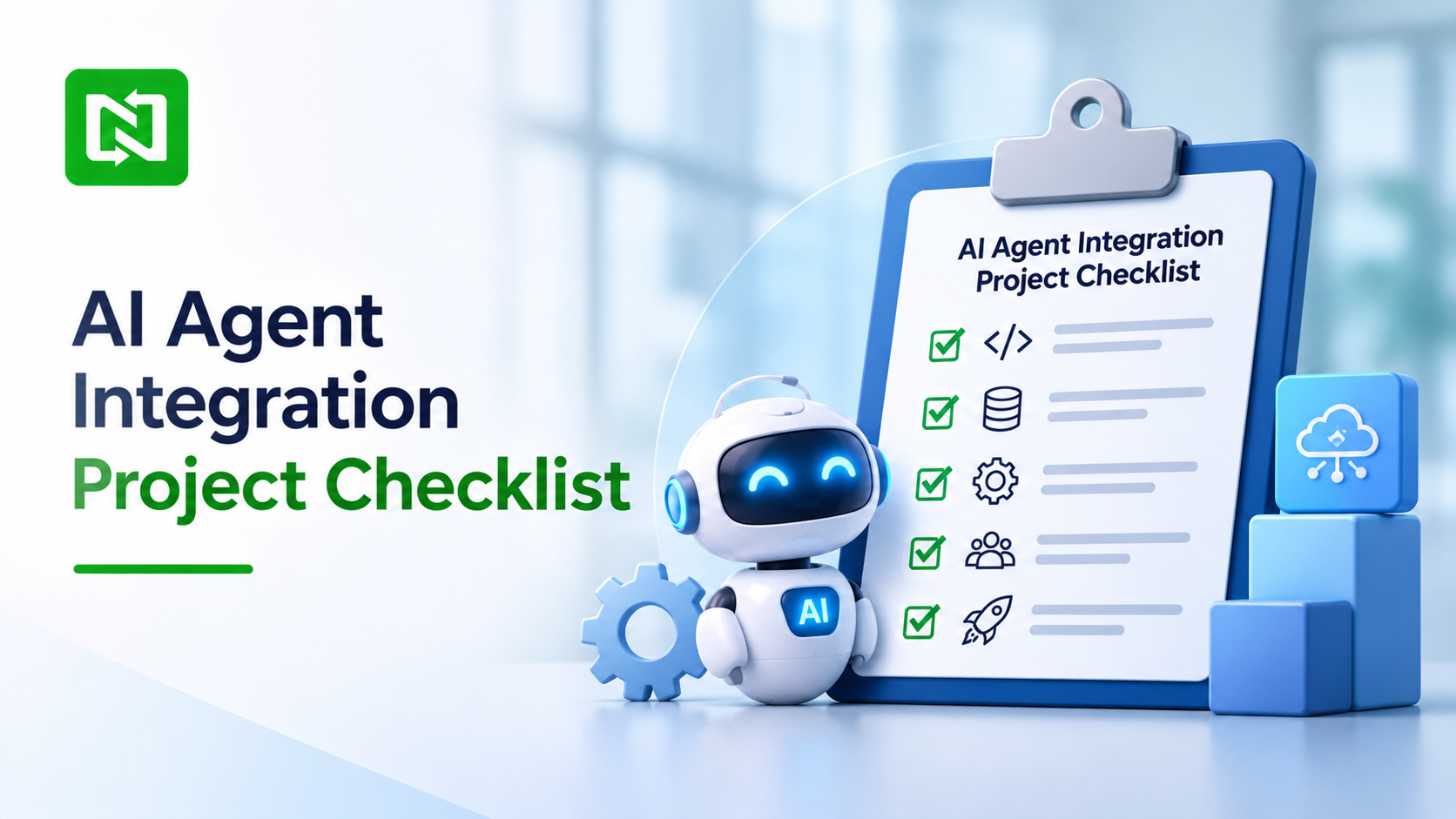
12. AI agent integration readiness checklist
- One defined business workflow and an accountable business owner.
- Baseline measures and an agreed success criterion.
- Inventory of connected systems, APIs, sandboxes and system owners.
- Approved data sources and documented data classification.
- User identity, service account and least-privilege access model.
- Tool schemas, server-side validation and action allow-list.
- Read/write boundaries and human approval requirements.
- Fallback, escalation, retry and duplicate-action handling.
- Test cases for accuracy, access control, prompt injection and system failures.
- Monitoring, audit, incident response and rollback process.
Frequently Asked Questions
What is AI agent integration?
AI agent integration connects an AI-powered workflow to approved business systems, data sources and tools so it can retrieve information or perform defined tasks within configured permissions.
Can an AI agent connect to a CRM and ERP?
It may connect through supported APIs, connectors or approved integration methods. The exact scope depends on the CRM and ERP products, licences, permissions and available development environments.
Should an AI agent be allowed to update business records?
Only when the action is clearly defined, validated and permitted. Many projects should begin with read-only retrieval or draft updates, then introduce write access with approval and audit controls.
How do you prevent an AI agent from accessing unauthorised data?
Enforce permissions in the connected system or trusted integration layer, use least-privilege credentials and ensure the agent’s tools return only records the requesting user is allowed to access.
What happens if an API or connected system is unavailable?
The integration should return a clear failure state, use safe retry rules where appropriate and escalate or ask the user to try again. It should never claim that an action succeeded when the system did not confirm it.
How is an AI agent integration project tested?
Test realistic workflows, incorrect or ambiguous inputs, access restrictions, malicious instructions in retrieved content, tool failures, duplicate events and human approval paths before enabling live actions.
Planning an AI Agent Integration?
Start by identifying one workflow that involves repeated searching, summarising or transferring information between systems. Noukha can help assess the connected applications, data access, required actions and safeguards before defining a development scope.Contact us to discuss your AI agent integration requirements, existing business systems, data access and automation objectives.