
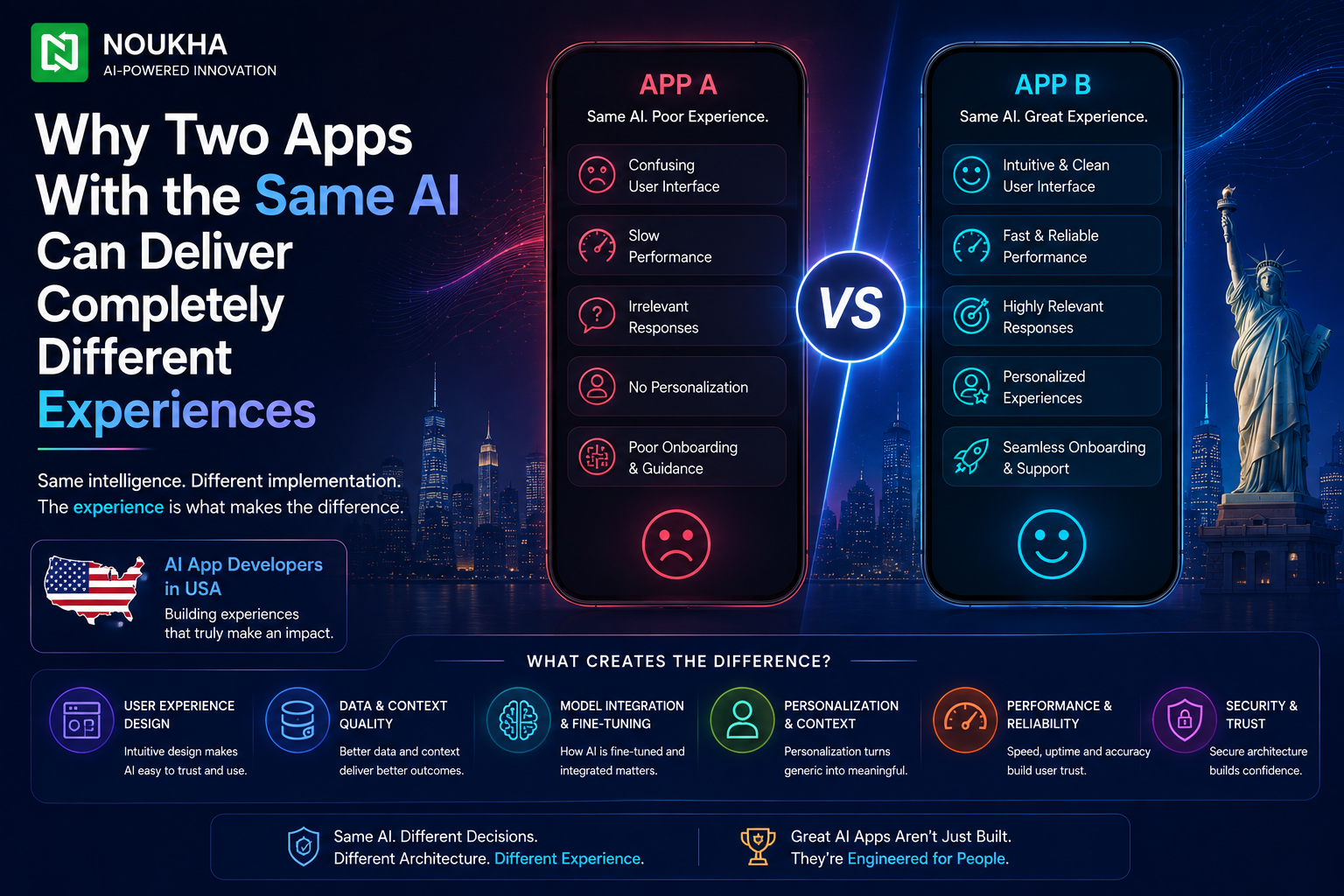
Two products can call the exact same model from the exact same provider and still feel worlds apart to the person using them. One answers quickly, stays on topic, and admits when it does not know something. The other rambles, forgets what was said two messages ago, and occasionally makes up an answer with total confidence. The model is not the reason for that gap. What sits around the model, the instructions it is given, the data it can see, how its memory is managed, and the interface built on top of it, is what actually decides whether an AI feature feels trustworthy or frustrating. This is a distinction that experienced AI app developers in USA think about constantly, and it explains why picking a powerful model is only the first of many decisions that shape a finished product.
The Same Model Is Not the Same Product
What Actually Varies Between Two Implementations
When two teams build on the same underlying model, the differences show up in the system instructions given to it, the information it is allowed to retrieve before answering, how much conversation history it keeps track of, how failures and uncertain answers are handled, and the interface decisions that shape how a response is delivered. None of these are properties of the model itself. They are engineering and product decisions layered on top of it, and together they account for most of what a user actually experiences.
Why This Surprises Non Technical Buyers
It is easy to assume that choosing a leading model guarantees a leading experience, since model marketing tends to emphasize benchmark scores and raw capability. In practice, a well engineered app built on a mid tier model regularly outperforms a poorly engineered app built on a flagship one, because the surrounding system determines whether that capability is actually put to good use.
System Instructions and Behaviour Design
How Instructions Steer Tone, Scope and Safety
Every production AI app runs on a set of instructions that define its role, its tone, what topics it should avoid, and how it should behave when a request falls outside its intended scope. A customer support assistant and a technical documentation assistant might run on the identical base model, yet behave completely differently because their instructions define different boundaries, different vocabulary, and different escalation rules for when a human should step in.
Why Instruction Design Is a Skill, Not a Setting
Writing effective instructions is closer to writing a detailed job description than filling in a configuration field. Vague or conflicting instructions produce inconsistent behaviour, while overly rigid ones make the app feel robotic and unhelpful in edge cases. Teams that get this right test instructions against dozens of realistic scenarios before launch, rather than tweaking wording after users start complaining.
Grounding: The Difference Between Guessing and Knowing
Retrieval Versus Relying on the Model Alone
A model answering purely from its training data is essentially guessing based on patterns it learned months or years ago. An app that instead retrieves current, relevant information from a trusted source before generating a response, an approach known as retrieval-augmented generation, gives the model something concrete to work from. This single architectural choice is often the biggest reason one app stays accurate on company-specific or fast-changing information while another confidently gets it wrong. It is also one of the first areas AI development specialists will assess when reviewing an existing product that has started producing unreliable answers.
Data Freshness and Source Quality
Grounding is only as good as what it retrieves. An app pulling from outdated documentation, duplicate records, or poorly structured data will still produce weak answers even with a strong retrieval pipeline in place. Keeping the underlying knowledge base clean, current, and properly indexed is ongoing work, not a one time setup step.
Context and Memory Management
What the App Actually Remembers Between Turns
Modern flagship models now offer context windows around one million tokens, with some open weight models advertising far more, but a bigger window does not automatically mean better memory. Research on long context performance has repeatedly shown a lost in the middle effect, where information placed in the center of a very long input is more likely to be overlooked than information near the start or end. Apps that simply dump entire conversation histories or documents into every request often perform worse than ones that deliberately curate what gets included.
How this context gets managed at scale is one of the more overlooked differences between two apps using the same model. Summarizing older parts of a conversation, retrieving only the most relevant snippets rather than entire documents, and refreshing what the model sees as a task evolves all require deliberate design work behind the scenes. Teams that specialise in AI application development typically build this context management layer early, since retrofitting it after launch is considerably harder than designing for it from the start.
Latency, Streaming and Perceived Speed
Why Two Apps on the Same Model Can Feel Different Speeds
Response time depends on far more than the model’s raw inference speed. How much context is sent with each request, whether the response streams token by token or waits to display until fully generated, and how many backend calls happen before the model is even invoked all affect how fast an interaction feels. A chat interface that streams text as it is generated feels noticeably faster than one that shows a blank screen until the full answer is ready, even when the underlying generation time is identical.
Engineering Choices That Affect Response Time
Reducing unnecessary context, caching frequent queries, running retrieval steps in parallel rather than sequentially, and choosing a smaller model for simple requests while reserving larger models for complex ones are all practical techniques that shape perceived speed without changing which base model powers the app.
Guardrails, Evaluation and Failure Handling
How Apps Differ in Handling Mistakes
Every model occasionally produces an incorrect, incomplete, or oddly phrased response. What separates a polished app from a rough one is what happens next. Does it quietly present the flawed answer as fact, or does it flag uncertainty, offer a way to verify the information, or route the request to a human when confidence is low. These fallback behaviours are designed in, not something the model decides on its own.
Continuous Evaluation Versus One Time Testing
Teams that maintain quality over time run structured evaluations against a growing set of real world examples on an ongoing basis, tracking accuracy and catching regressions before users do. Teams that test once before launch and rarely revisit it tend to see quality drift downward as usage patterns shift and edge cases accumulate, even though the underlying model has not changed at all.
Product and Interface Design Around the Model
Finally, the interface itself shapes trust as much as the model’s accuracy does. Clear indicators of what the assistant can and cannot do, transparent citations when an answer is grounded in a specific source, sensible error messages when something goes wrong, and thoughtful placement of the AI feature within an existing workflow all influence whether users trust and adopt it. Two teams with access to the same model can produce a genuinely trustworthy product and a genuinely frustrating one, purely through these design choices.
Why This Matters When Choosing AI App Developers in USA
Because so much of the finished experience comes from engineering and product decisions rather than the model itself, the team building an AI feature matters more than which model they plan to use. A vendor who can explain their approach to grounding, context management, evaluation, and failure handling is signalling real production experience, while one who only talks about which model they use is describing a small fraction of the actual work.
It is worth asking a prospective vendor to walk through a concrete example, how they would handle a question the model cannot confidently answer, how they decide what gets included in context for a long running conversation, and how they would catch a quality regression before customers notice it. The specificity of the answer tends to reveal far more about a team’s actual capability than a list of model names or benchmark scores ever could.
What This Means for Product Roadmaps
For product teams already shipping an AI feature, this distinction also explains why swapping in a newer, more capable model does not automatically fix a disappointing experience. If the underlying issue is weak grounding, poor context management, or the absence of any evaluation process, a stronger model will often reproduce the same mistakes with more confidence rather than fewer errors. Diagnosing which layer is actually responsible for a quality problem, the model, the data it can see, or the system built around it, is usually the fastest way to identify what genuinely needs fixing before committing to a larger rebuild.
Conclusion
The model is the engine, not the finished car. Two products built on identical underlying AI can diverge sharply in reliability, speed, and trustworthiness depending on how well the surrounding system is designed. Understanding this distinction is genuinely useful when evaluating any AI feature, whether you are building one yourself or assessing a vendor’s proposal, since it shifts the right question from which model are you using to how are you making that model actually work well.
If you are planning to build or improve an AI powered feature and want the engineering behind it done properly, contact us and our team can walk you through the right architecture for your product.